Overview
The E-Mail Notification task periodically sends customizable email notifications for assets that meet the defined constraints, along with their selected properties.Configuration
During the first setup step,Task Information, users can select the name of the task and the version of the task template.
In the second step Task Settings, the first three settings (SMTP Host, SMTP Port and From) must be configured using the e-mail server credentials. In most cases, the Account Username is equivalent to the sender mail address in the From field.
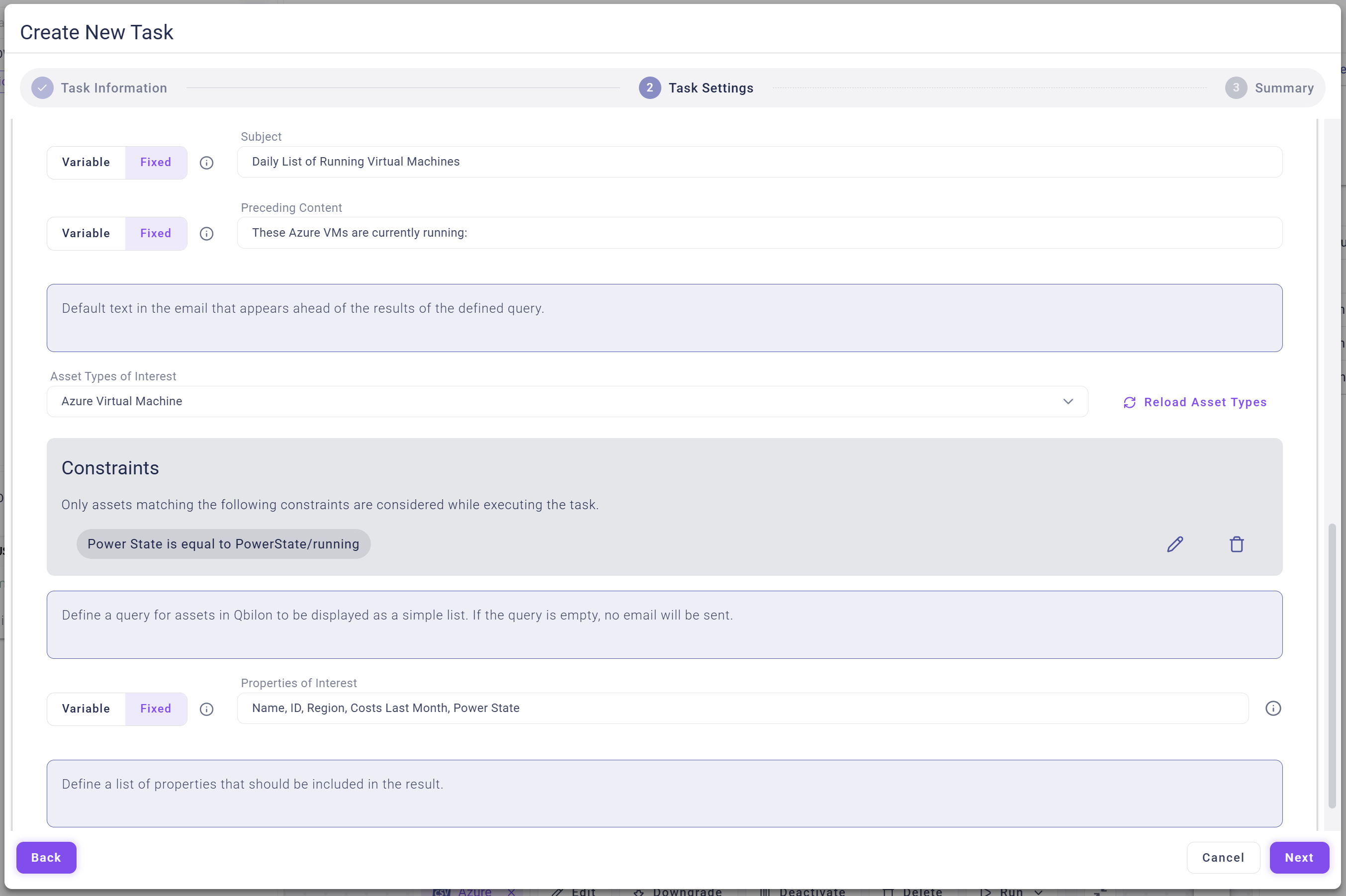
The following four fields are self-explanatory: Password, Receivers (comma-separated recipients list), Subject and Preceding Content (self-defined description text) can be set individually.
In the Asset Types of Interest section, users can select the assets for which they want to receive mail notifications. All assets that meet the defined constraints are reported/listed in the notification email content. In Properties of Interest, users must choose a subset of properties to be reported in the email (comma-separated).