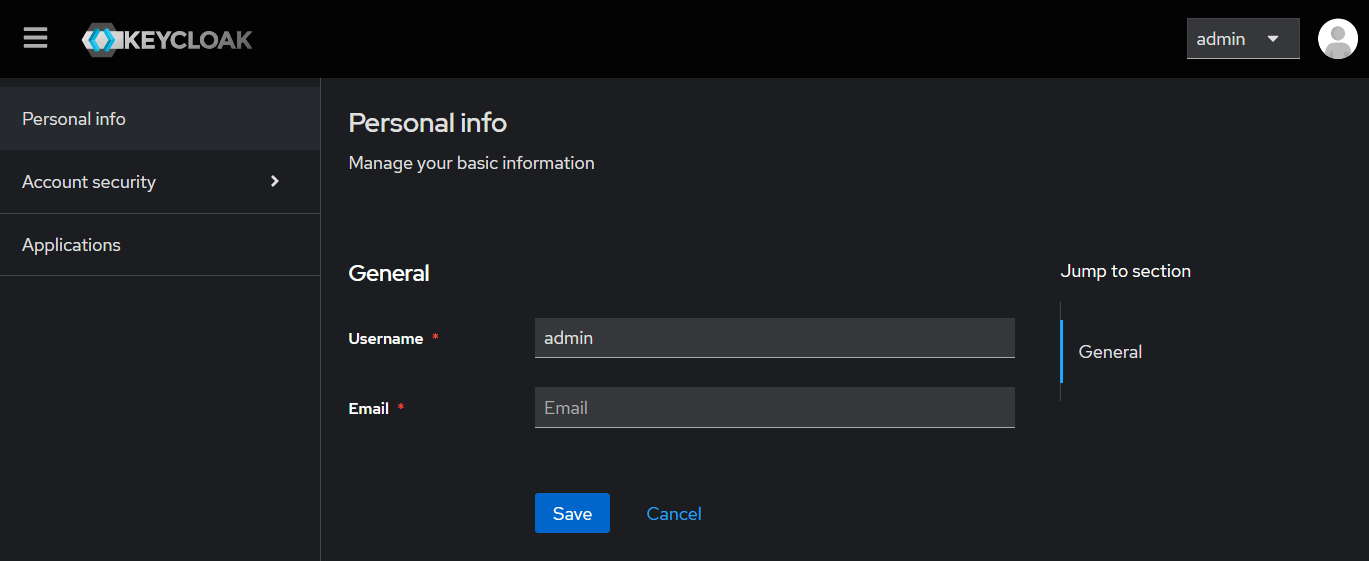
Managing Your Account
You can click on theManage Account button to update your personal information (username, mail address), security settings (password, devices, linked accounts/login providers) and the application that your account has access to.
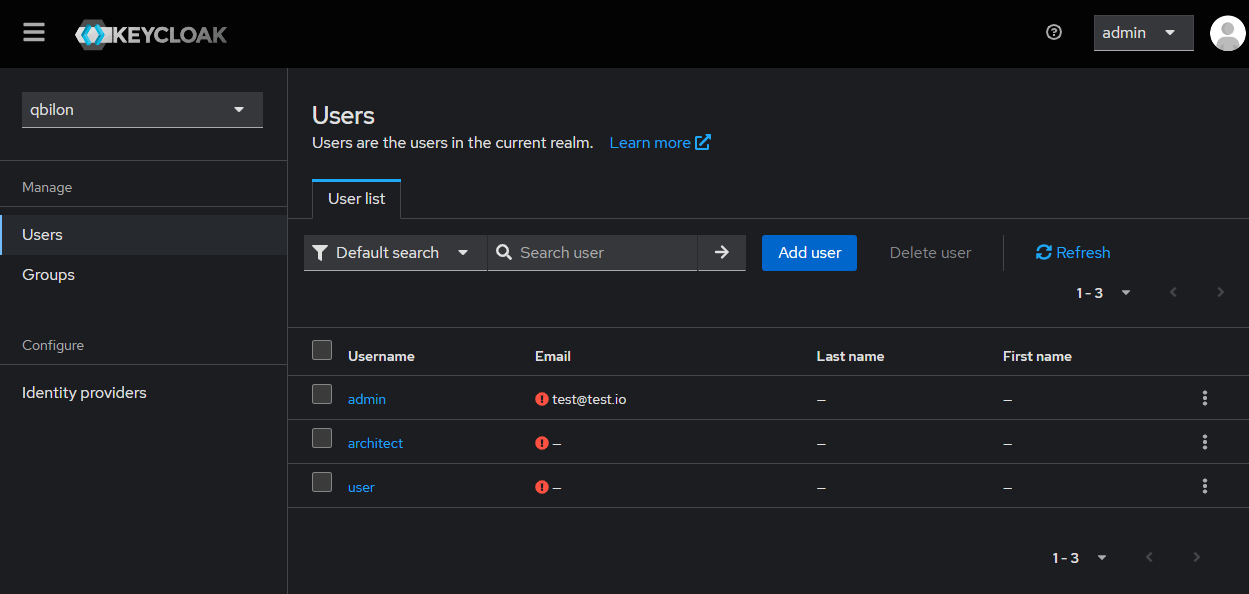
Adding New Users
As an admin in Qbilon you have the rights to add/remove users directly. In order to manually add a new user use theManage Realm button on the Settings & Support page. Within Keycloak you now have the possibility to manage users.
Add user, provide a username and add the groups this user should be part of: Admin, Architect or User). Click on Join to close the group dialog and Create to initialize the new user.
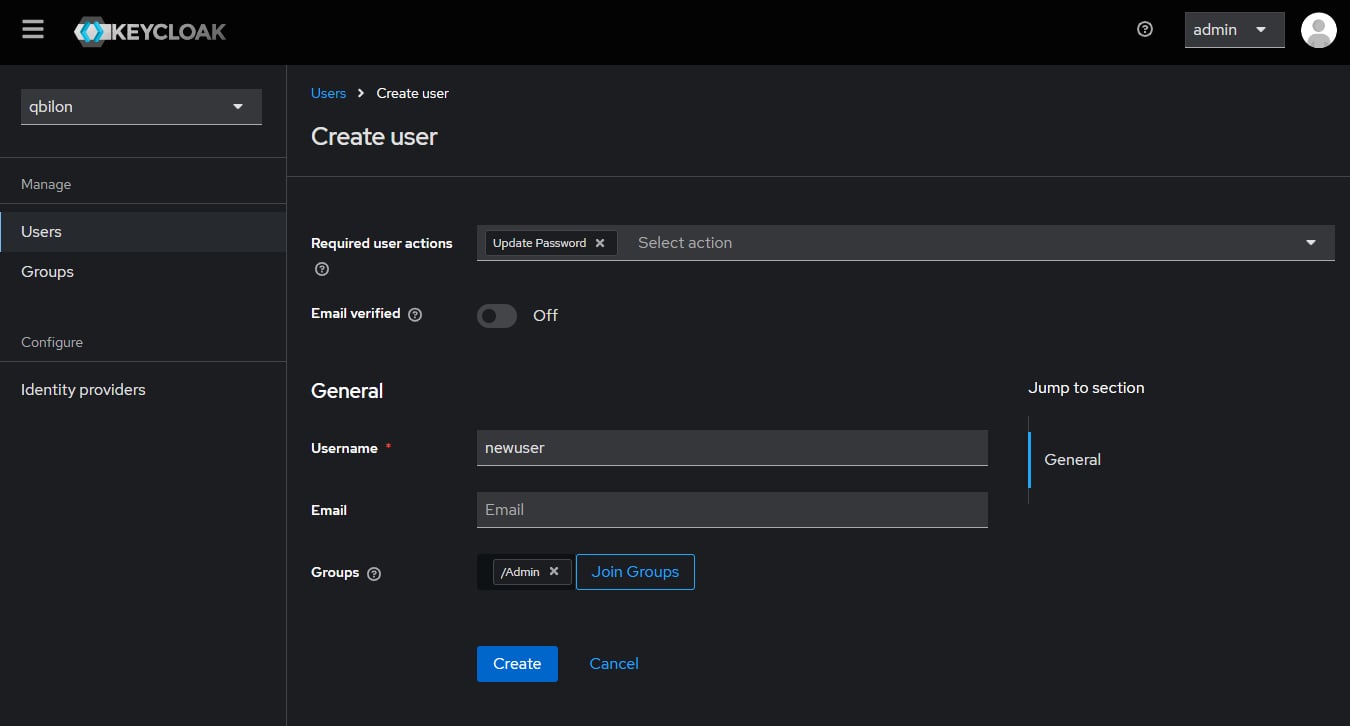
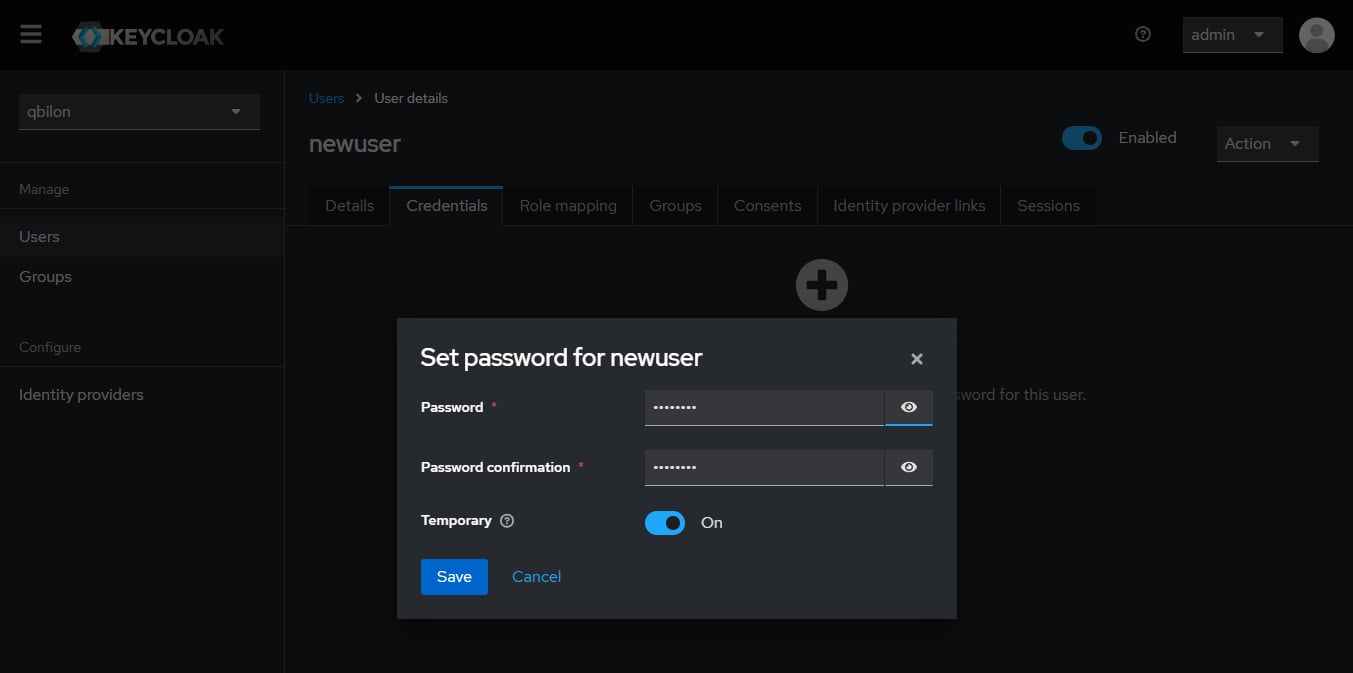
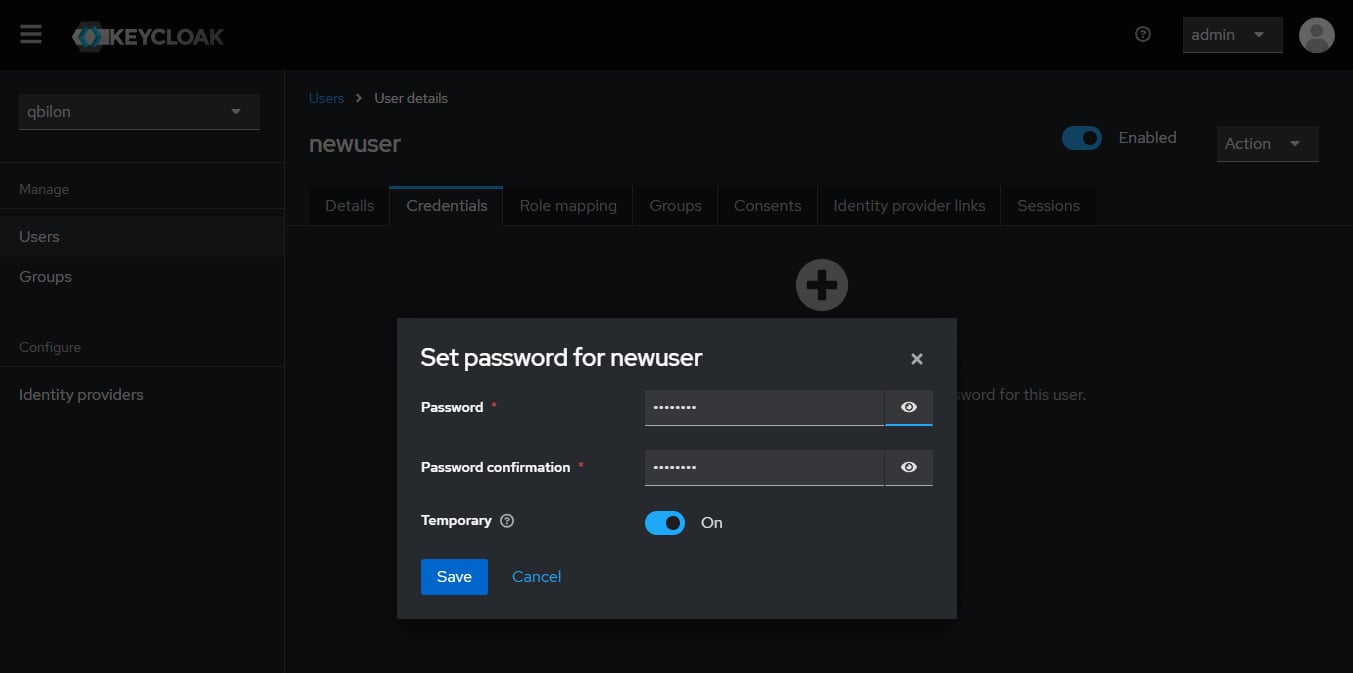
Credentials tab and provide an initial password for the user (needs to be changed after first login).
Deleting Users
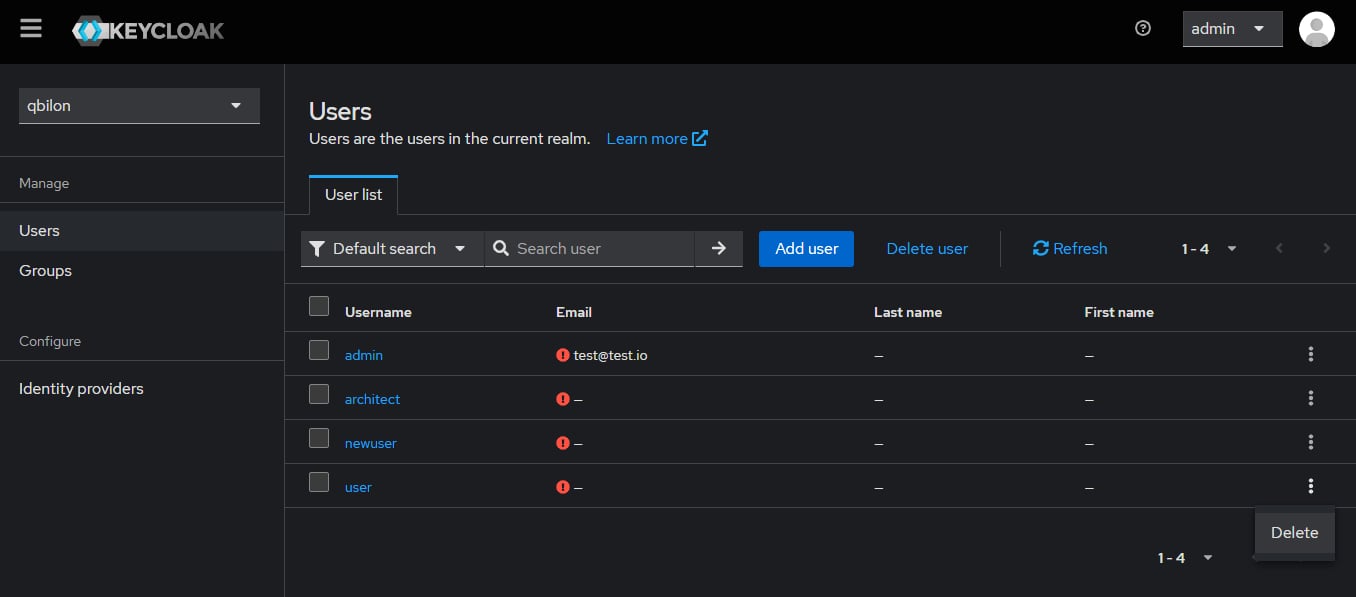
Deleting existing users can easily be achieved by navigating to theUsers section in Keycloak and clicking on the three stacked dots next to the user to be removed: